Hi,
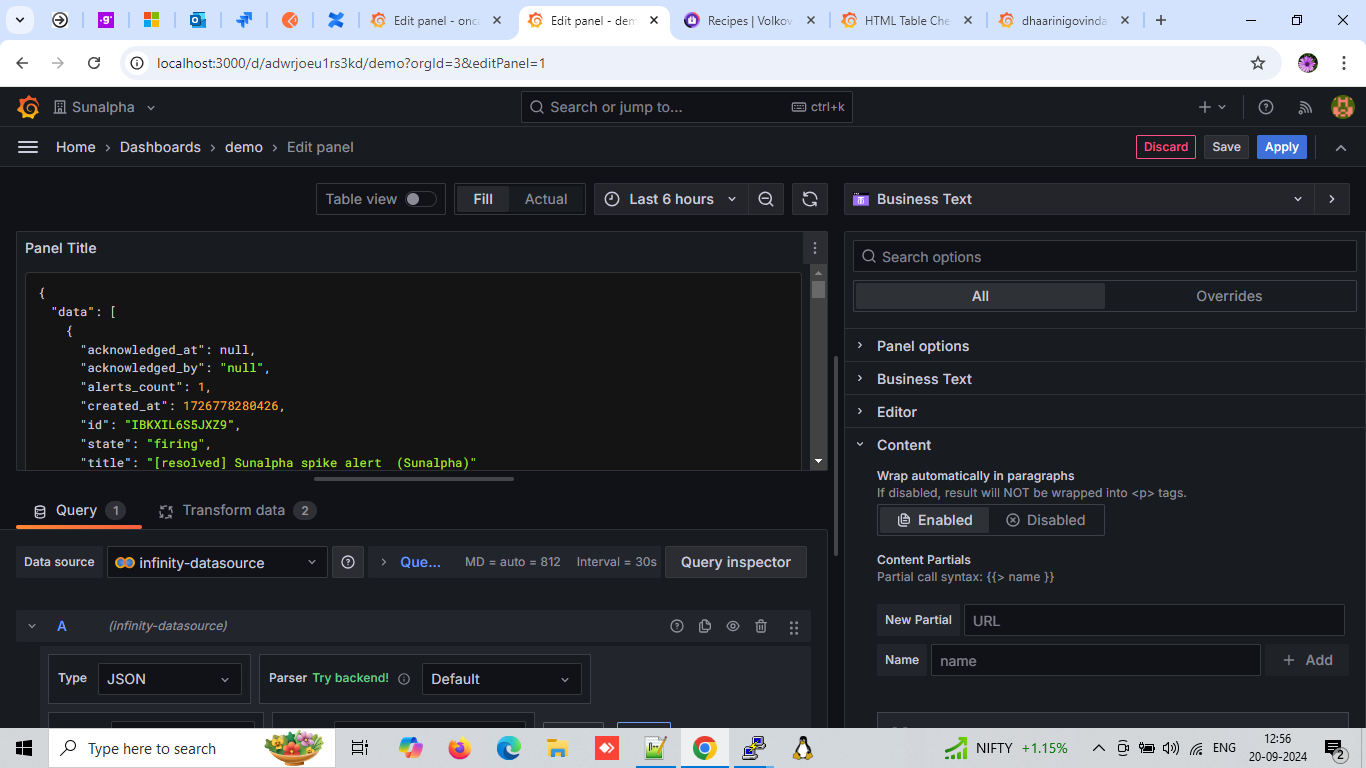
Using the Dynamic Text / Business Text Panel, I am trying to create a custom HTML table with a checkbox and textbox but these does not seem to render in the visualisation (see photo below).

Is it a possibility in this plugin?
Would this require JavaScript Handlebars, Helpers, or event handlers?
Below is the HTML code:
<div class="table-container">
  <table>
    <thead>
      <tr>
        <th>Name</th>
        <th>Age</th>
        <th>City</th>
        <th>Select</th>
        <th>Text</th>
      </tr>
    </thead>
    <tbody>
      <tr>
        <td class="red">John Doe</td>
        <td class="blue">28</td>
        <td class="green">New York</td>
        <td><input type="checkbox" id="checkbox-1" name="checkbox-1"></td>
        <td><input type="text" id="input-1" name="input-1"></td>
      </tr>
      <tr>
        <td class="blue">Jane Smith</td>
        <td class="green">34</td>
        <td class="red">Los Angeles</td>
        <td><input type="checkbox" id="checkbox-2" name="checkbox-2"></td>
        <td><input type="text" id="input-1" name="input-2"></td>
      </tr>
      <tr>
        <td class="green">Alice Johnson</td>
        <td class="red">23</td>
        <td class="blue">Chicago</td>
        <td><input type="checkbox" id="checkbox-3" name="checkbox-3"></td>
        <td><input type="text" id="input-1" name="input-3"></td>
      </tr>
    </tbody>
  </table>
</div>
I am hoping for something similar with the visual interaction using the Annotation feature.
Hope someone can help.
Thanks