How to generate and schedule PDF reports in Grafana (open-source edition)?

Hi Grafana Community,

I am currently using Grafana OSS (open-source) to monitor Apigee Analytics data stored in PostgreSQL. My dashboard includes several time-series panels such as:

  • Total Requests per Proxy (TPS)

  • Faults vs Total Requests (Hourly)

  • Proxy Status Codes (Stacked)

  • Avg Target vs Avg Total Response Time (ms)

  • P99 Target Response Time (ms)

Grafana OSS and Linux OS version are as below

grafana-server --versionVersion 12.2.0 (commit: 92f1fba9b4b6700328e99e97328d6639df8ddc3d, branch: release-12.2.0)
Linux OS → Ubuntu 24.04.3 LTS

I would like to generate a report (preferably in PDF format) that captures all panels similar to what we see in the Grafana UI, and ideally schedule it for daily or weekly delivery via email.

Can anyone share the recommended approach or working examples for report generation in the open-source version?

Thanks in advance for your guidance!

Best regards,

Kaushal Shriyan
Take a look at this one:

1 Like

@ebabeshko

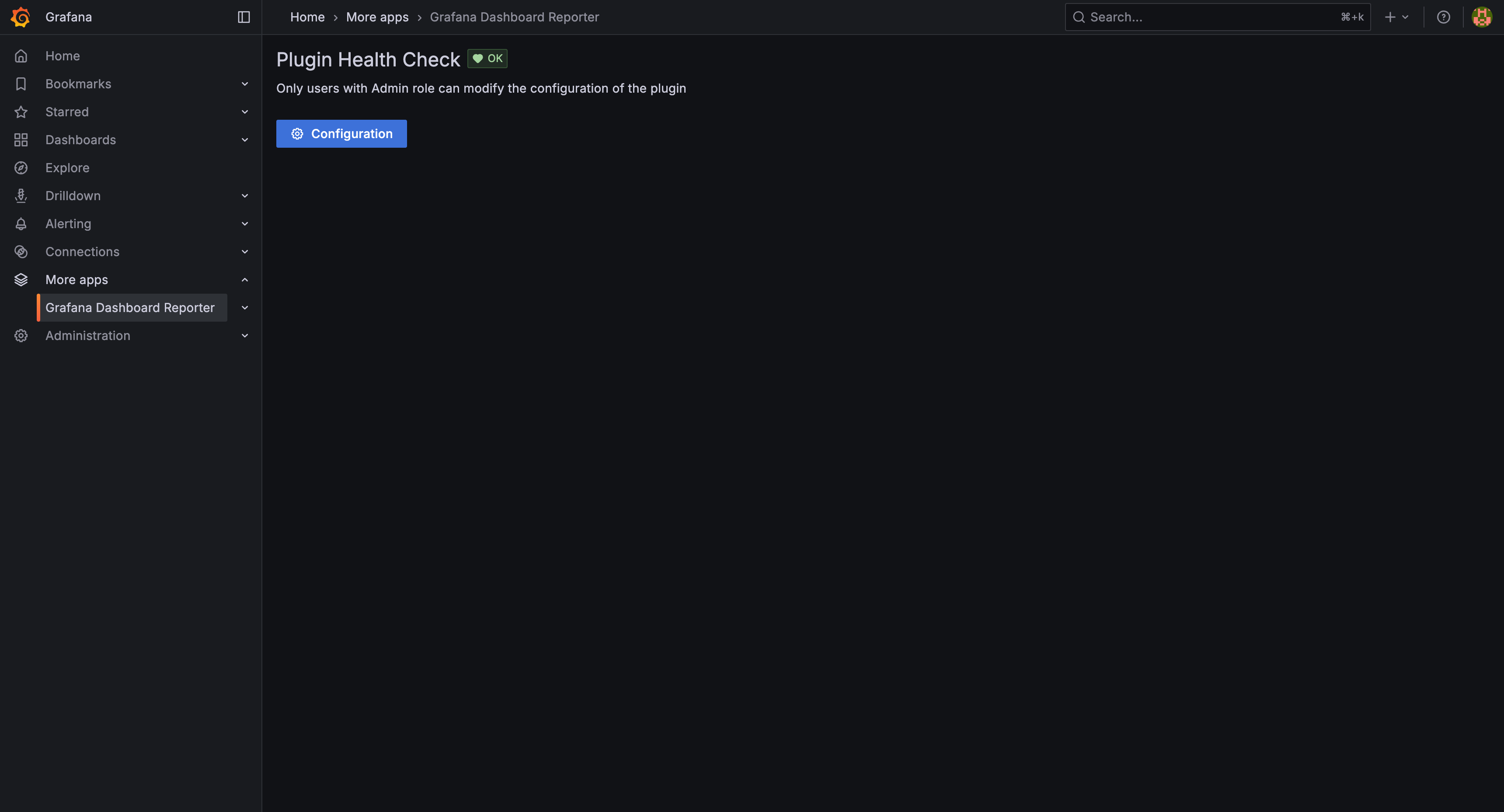
I have enabled Grafana Dashboard Reporter by referring to GitHub - mahendrapaipuri/grafana-dashboard-reporter-app: A Grafana plugin app to create PDF reports of dashboards. Please refer to the below screenshot for your reference.

Grafana OSS and Linux OS version are as below

grafana-server --versionVersion 12.2.0 (commit: 92f1fba9b4b6700328e99e97328d6639df8ddc3d, branch: release-12.2.0)
Linux OS → Ubuntu 24.04.3 LTS

I am unable to see the Generate PDF Report button or dropdown option in the Grafana dashboard as per the screenshot above.

Please advise accordingly.

Best regards,

Kaushal

Have you followed steps described in readme?

You need to add a button to the dashboard with link to this plugin, something like this:

/api/plugins/mahendrapaipuri-dashboardreporter-app/resources/report?dashUid=${__dashboard.uid}