
Notification templates don’t support rendering custom HTML, so you can’t add buttons directly.
In the Email contact point settings, you can customize:
- Subject – sets the email subject line

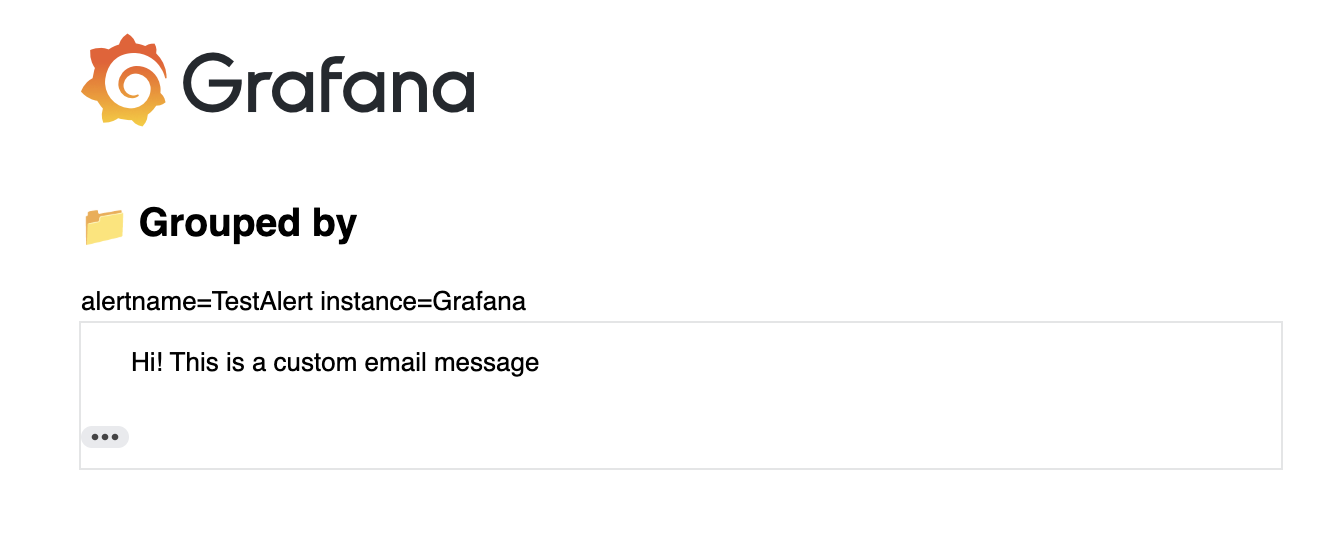
- Message – becomes the text inside the HTML email table (see screenshot below)
Workarounds
1 - Use hyperlink like this example: print URLs for runbook and alert data
2 - Edit the HTML email template (ng_alert_notification.html) itself.
This is only possible in Grafana OSS and is NOT recommended. This option is not for public usage, and it will likely change in the future. See Email template personalization - #9 by gillesdemey1