Hi there!
I have been trying to install and configure alloy in AWS EC2 Windows instance machine but got into few issues and have some questions.
Background: The alloy installed at below directory and has following files:
Directory: C:\Program Files\GrafanaLabs\Alloy
%PROGRAMDATA%
data-alloy
alloy-service-windows-amd64.exe
alloy-windows-amd64.exe
config.alloy
logo.ico
uninstall.exe
When I navigate to directory C:\Program Files\GrafanaLabs\Alloy and execute command ./alloy-windows-amd64.exe run C:\tmp\grafana-alloy.hcl the alloy runs fine and able to push the loki logs into grafana.
Note: grafana-alloy.hcl is my converted alloy file from Static agent.
However, I want to automate the process, and below commands does not write any logs.
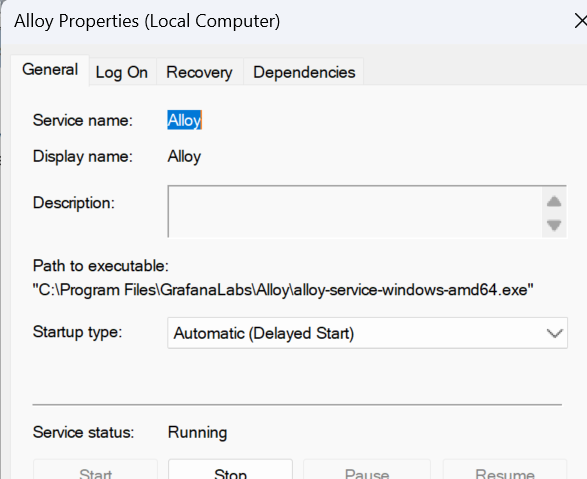
Start-Process -FilePath “C:\Program Files\GrafanaLabs\Alloy\alloy-service-windows-amd64.exe”
sc.exe config ‘Alloy’ binPath= ‘"C:\Program Files\GrafanaLabs\Alloy\alloy-service-windows-amd64.exe" "-config.file=C:\tmp\grafana-alloy.hcl"’
Start-Service ‘Alloy’ - No errors but logged are not pushed.
Questions:
- What is
alloy-service-windows-amd64.exefile used for? How it is different fromalloy-windows-amd64.exe. - What should be the binPath?
./alloy-service-windows-amd64.exe --helpdoes not return anything. However,./alloy-windows-amd64.exe --helpdoes run alloy commands.