I added a .db SQLite in Grafana (SQLite plugin has installed), but I don’t know how to watch the tables and fields.
Anyone can help me with this? I’m trying to watch tables and fields in Explore but nothing in my .db is showed.

I added a .db SQLite in Grafana (SQLite plugin has installed), but I don’t know how to watch the tables and fields.
Anyone can help me with this? I’m trying to watch tables and fields in Explore but nothing in my .db is showed.
Good day
I have the same problem. I have Grafana v10.2.3 and I installed the SQLite plugin by frser version 3.5.0
I then added a datasource pointing to a copy of grafana.db
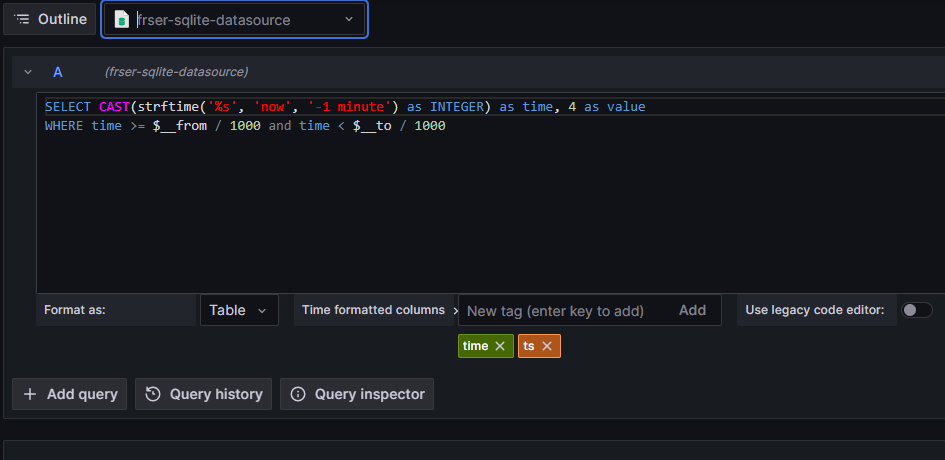
I then went to Explore and I see the following:
I expect to see a place where a table can be selected but it is not there. It may be that I do not know how to drive the Explore for this plug-in.
Donald
You need to know the SQL query you want to write. “Explore” does let you visually see all tables and views in your database. It just allows you to write any query you want and see the result without creating a dashboard.
If you want to “explore your database” you need a different tool than Grafana for that.
But once you know which table and data you want to see you can try your query in the Grafana explore view.