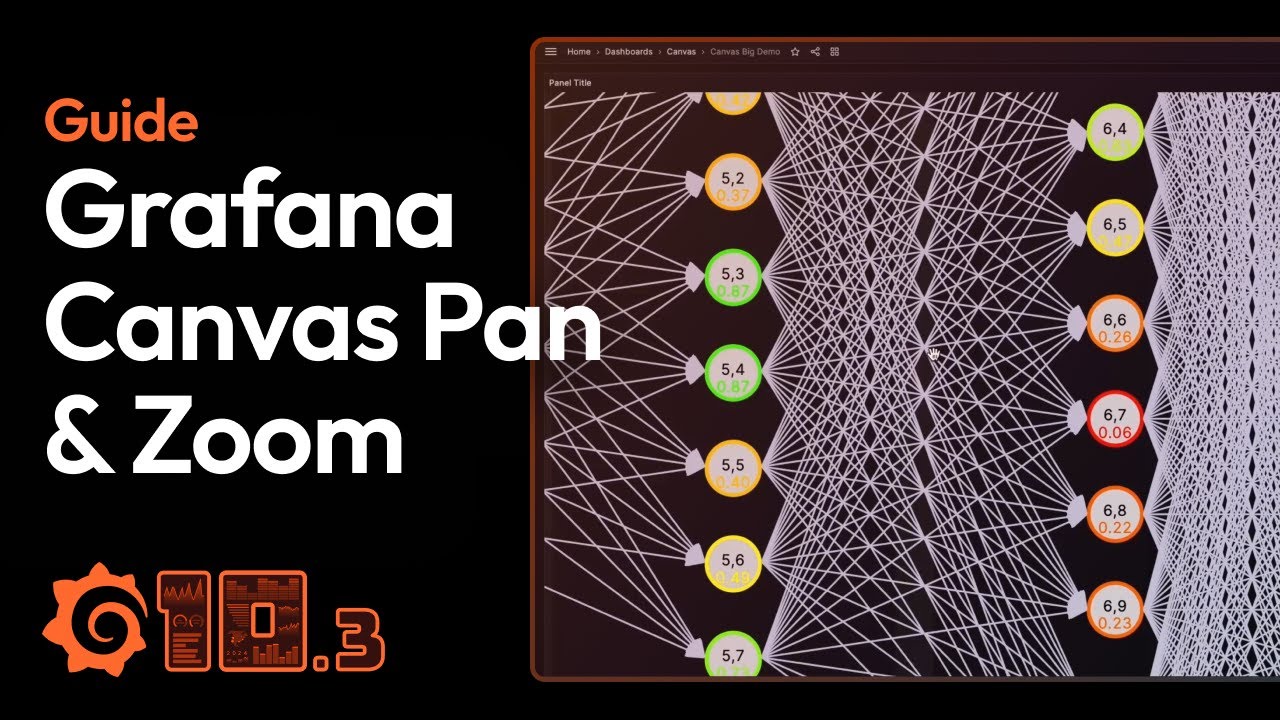
And I though … there is no way that someone manually added all those elements, at the same time there is no option to dynamically generate the elements inside canvas plugin (Unless I’m mistaken)
whoever created that panel?, maybe someone generated the json with some type of script?
I would like to be able to generate a canvas panel that requires a bunch of elements and I could get X,Y coordinates, with and length from my database. being able to just generate the elements would be awesome and a huge time saver.
Any one here that could reach any member from grafana team to understand how this panel was created?
just circling back, I did just what you suggested @yosiasz. I used a python script to generate the Json part of the stuff I wanted (but was not willing to do manually one by one) in my canvas panel, and then just pasted that part in the Json of the dashboard.
However, let me tell you that I have found more functionalities using the business chart panel from @mikhailvolkov. It took me a while but oh boy the possibilities are endless.
right now I’m working in pulling a picture from a query, then displaying it and generating elements that I overlay in the picture obtained from another query. I want to have some drag and drop functionality and then be able to send back to a database the new positions. this last part is challenging because there is no way to write back to the db from business chart panel, I need to somehow (most likely using a grafana variable) pass the data from that panel to the business forms plugin which will allow me to write back to my database.
@fercasjr You can use EventBus to send messages from Business Charts to Business Forms to write to data source, which is natively supported for Update Requests.
I can’t share much. but the Idea is to query a Bill Of Materials from a DB, then overlay over a picture (also stored in the DB) the callouts where each part is on the picture.
so far so good, that’s an straightforward process I can do already. but the tricky part is that initially my positions are blank in the database I don’t know the location (x,y) of each element in the picture, so I needed a way to drag and drop the points, then send that information and store that back to the DB.
and doing that in a separate panel makes sense, because It forces the user to do a multi step process to store the new positions, that way if someone moves the wrong stuff, as long you don’t save it, just refresh the page and no big deal.
awesome! @mikhailvolkov and team have the best plugins hands down. as far as pasting the json of the dashboard, you could also automate that even within grafana itself, no manual tampering. see below: uses javascript instead of python and uses Business Text plugin